HOW TO SHOOT REAL ESTATE IN THE RAIN
Introduction
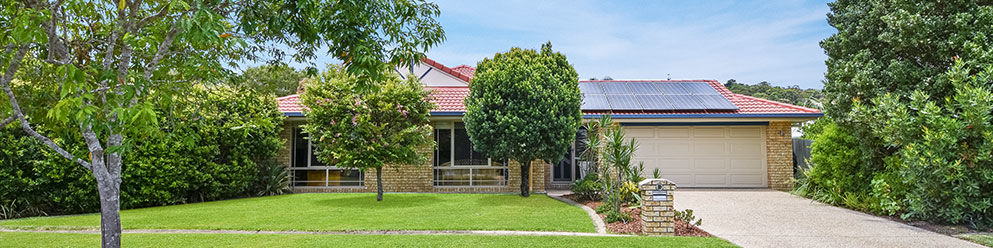
Bad weather can delay you from getting your property listed. Whilst waiting for the weather to clear, you are missing out on marketing it to potential buyers. This is a less than ideal situation for any real estate agent. We have created a blog to completely minimize this issue. No longer will you be held up with weather restrictions to get your latest property listed. Our expert photographer and co-founder Brad Filliponi is going to show you how to navigate around taking those killer shots in extreme weather conditions. He will be taking photos of the entrance of a property from three different angles to show you how easy it can be.
When preparing your camera to take the photo, you want to ensure to frame the image. What does that mean? Ideally, you want to ensure you are getting as much of the property in the image as possible. When you are ready to take the shot, shade the lens with your umbrella. The purpose of the umbrella is to keep the camera gear dry. It's also very important to cover your lens so it doesn't get any rain specs on it.

TIP: Use a lens cloth in between shots to wipe over the lens and camera to keep it clean and dry from any water that may splash onto the camera. You also need to use it to clean your lens and keep it free from water droplets.
We will move onto the second and third angle where the framing of the image and shading the lens is just as important. While we don't recommend that shooting in wet weather is ideal for every property, it is a great solution if you don't want to miss an advertising deadline.

In this shoot, we have taken bracketed images to get us the best possible result to market the property. For more information on how to shoot bracketed images, click here.
Conclusion
With these simple tips, you don't need to hold off marketing your property due to bad weather. The BoxBrownie.com team can replace those overcast skies with stunning blue clear skies. We will have your images returned to you ready for you to market in 24 hours.
RELATED ARTICLES
Want to learn how to take amazing real estate photos that attract more buyers? Well you’ve come to the right place! In this article, world class real estate photographer Brad Filliponi shares some of his tips and tricks on how to make your property images stand out.
READ MORE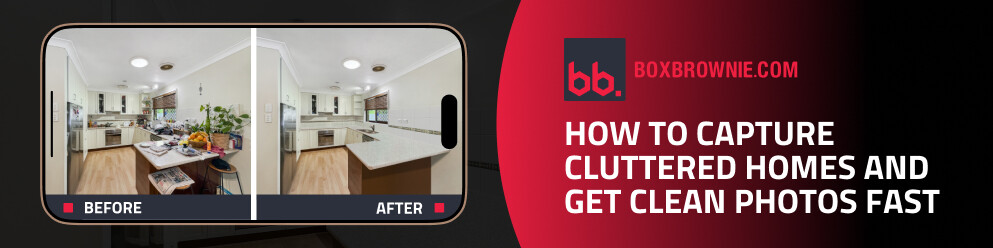
In our latest video, cofounder Brad Filliponi shows how messy rooms won’t hold up your listing. With SnapSnapSnap, shoot once and get polished, buyer-ready photos in just 24 hours.
READ MORE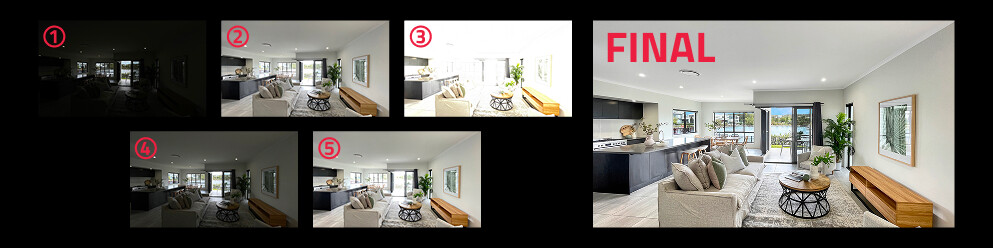
Confused by HDR? Discover what it is, why it can dramatically improve your property photos, and how we make creating stunning, balanced images effortless.
READ MORE
Prepare, position, and polish your short-stay property photos with pro tips from Brad. He’ll guide you in making the most of natural light, mastering steady framing, applying strategic editing, and more to present every room at its best—drawing in more guests effortlessly.
READ MORE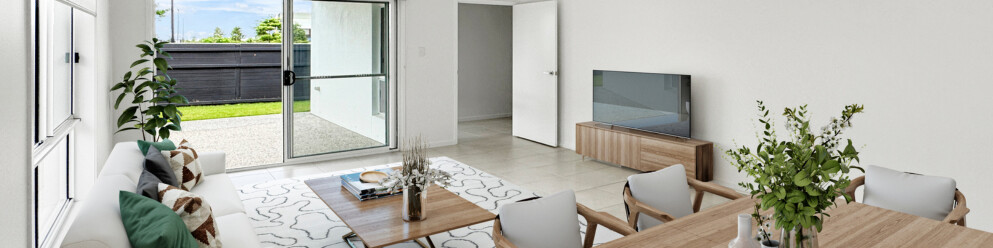
Elevate your real estate game with Virtual Staging using your iPhone and the SnapSnapSnap app. Brad, our co-founder and photography pro, shares his top tips for setting up, capturing, and editing stunning visuals that will make your listings irresistible to buyers.
READ MORE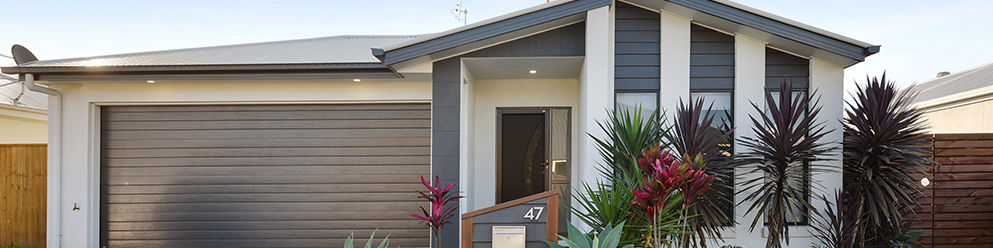
Brad Filliponi is sharing his all-important tips to help improve your real estate photography and teach you a few things you may not know when it comes to taking great photos.
READ MORE